Full game metadata
| Field | Value |
|---|---|
| Steam app type | game |
| Steam App ID | 1695510 |
| Live current players | 0 |
| SteamPulse tracked peak | 2 |
| Live count (today's peak floor) | 0 |
| Price | $2.49 (50% off from $4.99) |
| Free to play | No |
| Discount | 50% |
| Original price USD | $4.99 |
| Current price USD | $2.49 |
| Release date | Aug 23, 2021 |
| Developer | G-MODE |
| Publisher | G-MODE |
| Owners estimated | Not available |
| SteamSpy owner estimate minimum | Not available |
| SteamSpy owner estimate maximum | Not available |
| Review type | 9 user reviews |
| Positive review percent | 67% |
| Positive reviews | 6 |
| Negative reviews | 3 |
| Total reviews | 9 |
| Steam recommendations | Not available |
| Achievements | Not available |
| Average playtime forever | Not available |
| Windows support | Yes |
| macOS support | No |
| Linux support | No |
| Parent game | Not available |
| Store URL | https://store.steampowered.com/app/1695510/ |
Short description
Take, throw, and connect the colorful drops! An action puzzle with an exhilarating chain of events!
About this game
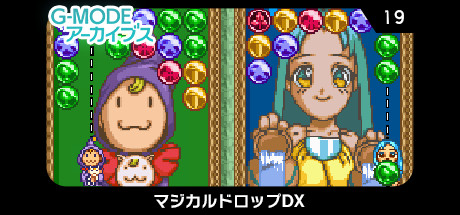
Take, throw, and connect the colorful drops! An action puzzle with an exhilarating chain of events! "Magical Drop DX" is an action puzzle game in which characters resembling tarot cards take or throw drops and line up three or more vertically to make them disappear. If you line up other drops while a drop is disappearing, you can create a chain and score high points! Run left and right across the field to gain an edge over your rivals! The game includes a "Story Mode" where you can fight against the computer at three different levels (easy, normal, and hard), and a "Hard Mode" where you just keep erasing drops on a larger stage than usual. ■ About G-MODE Archives The G-MODE Archives is a reissue project that faithfully recreates old feature phone games as they were back then. In order to enjoy the app as it was back then, the web-connected menu, buttons, and keys have been transplanted, but some of them may not work. For more information on the Steam version, press START button and see the "How to play" in the PAUSE menu.
Supported languages
Japanese