SteamPulse Live creates Reddit custom posts from public SteamPulse data. A moderator enters a Steam app ID, checks the preview, and publishes the post manually.
Open the Reddit Developers listing or view a sample Reddit post.
Quick answer for r/Steam
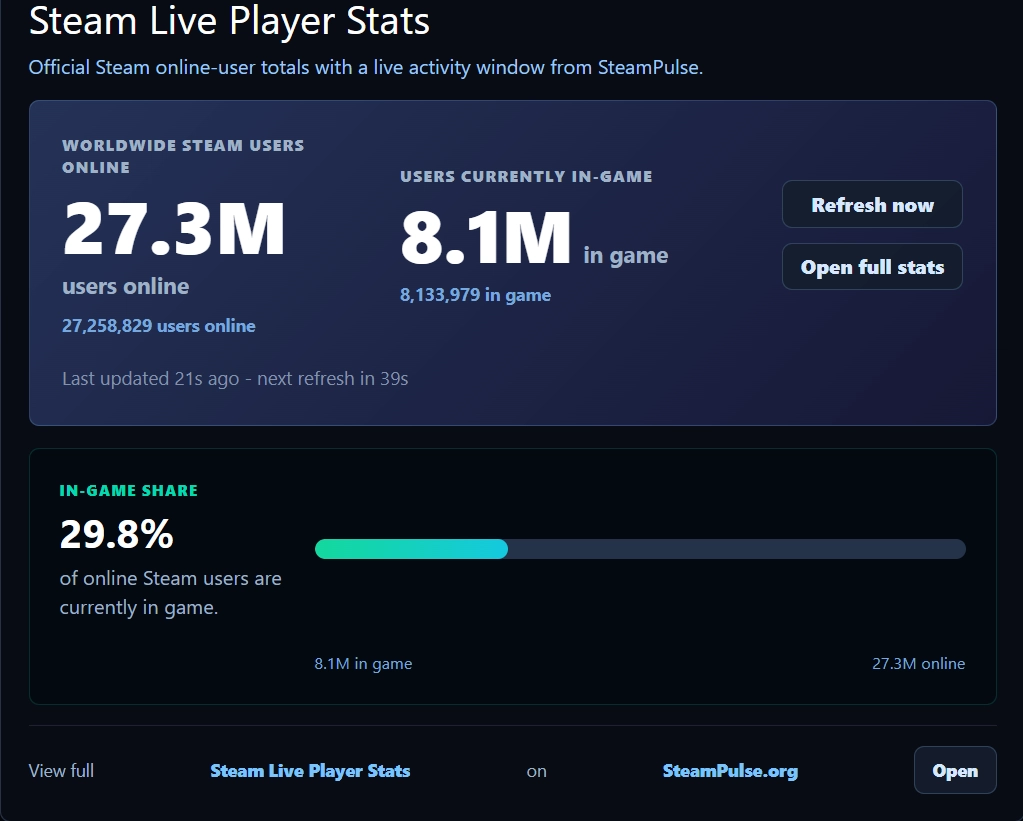
The suitable app ID for Steam-wide activity is 753. That post shows Steam users online, users currently in game, exact totals, and the in-game share percentage.
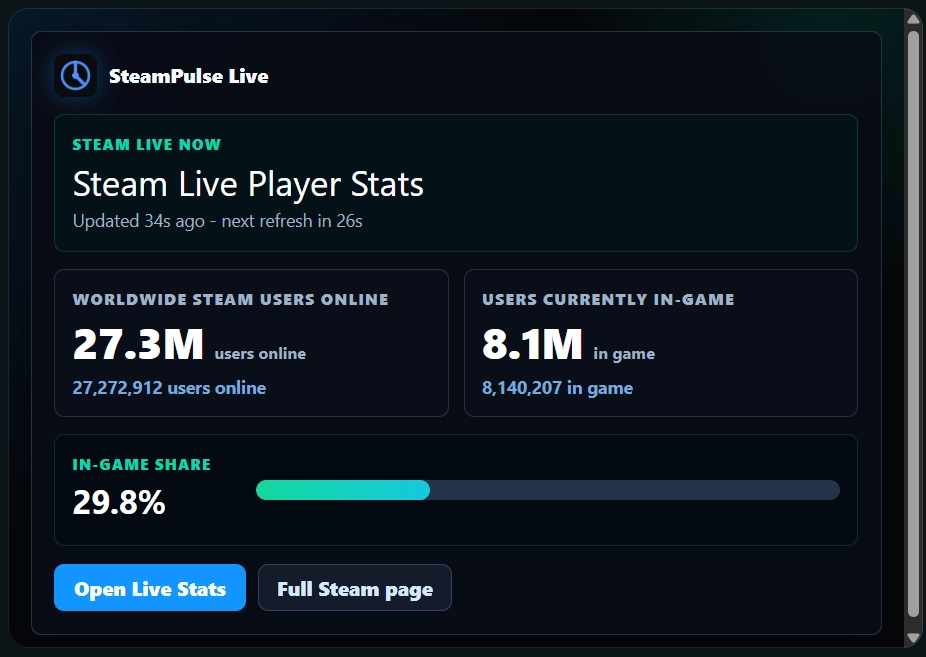
What the widget does
For a normal game community, SteamPulse Live shows the resolved game name, header image, current players, 24-hour peak, SteamPulse tracked peak, and an Open Live Stats button. Expanded view adds stat cards and a 7-day chart.
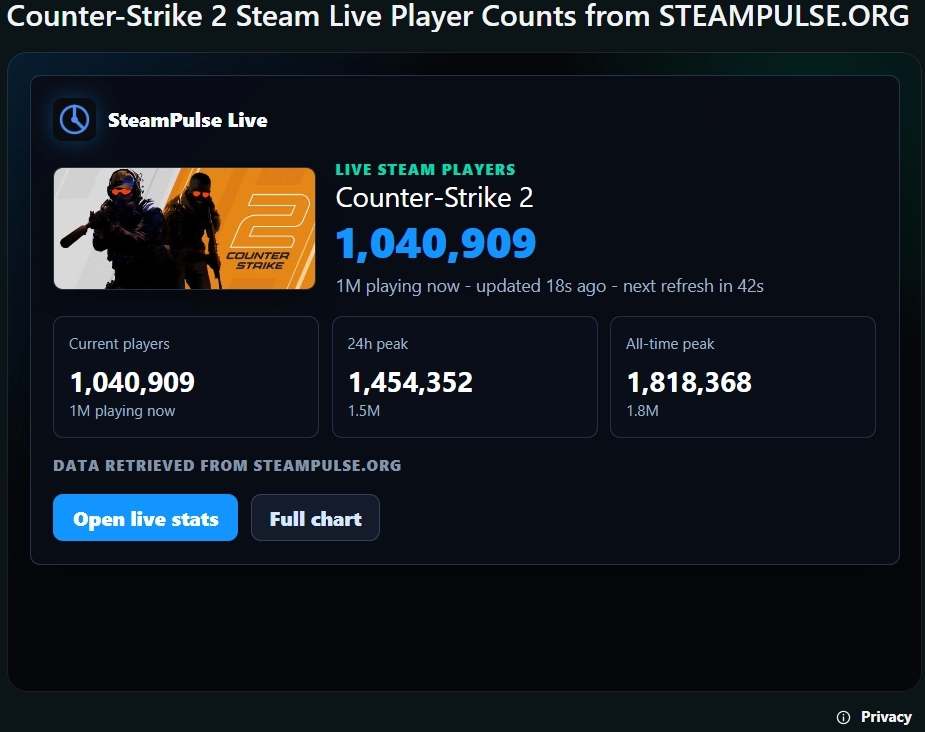
Step 1: install SteamPulse Live
Add SteamPulse Live to a subreddit where you have moderator permissions. After installation, create the post from the subreddit moderator tools.
Step 2: create and check the post
Enter a Steam app ID. Use a game's Steam app ID for a game post, or use app ID 753 for Steam Network Activity.

Click Check app before publishing. SteamPulse resolves the name, image, live count, and peak context so the moderator can confirm the post is correct.
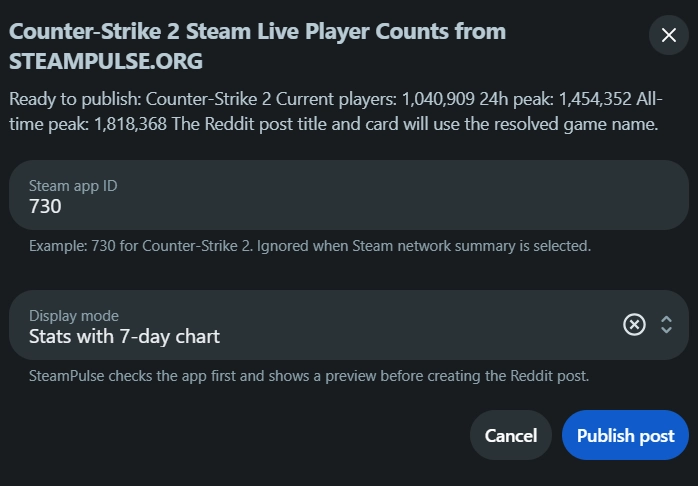
Step 3: publish after the preview is correct
Once the preview is correct, publish the Reddit custom post. Readers can open the full SteamPulse stats page from the post.
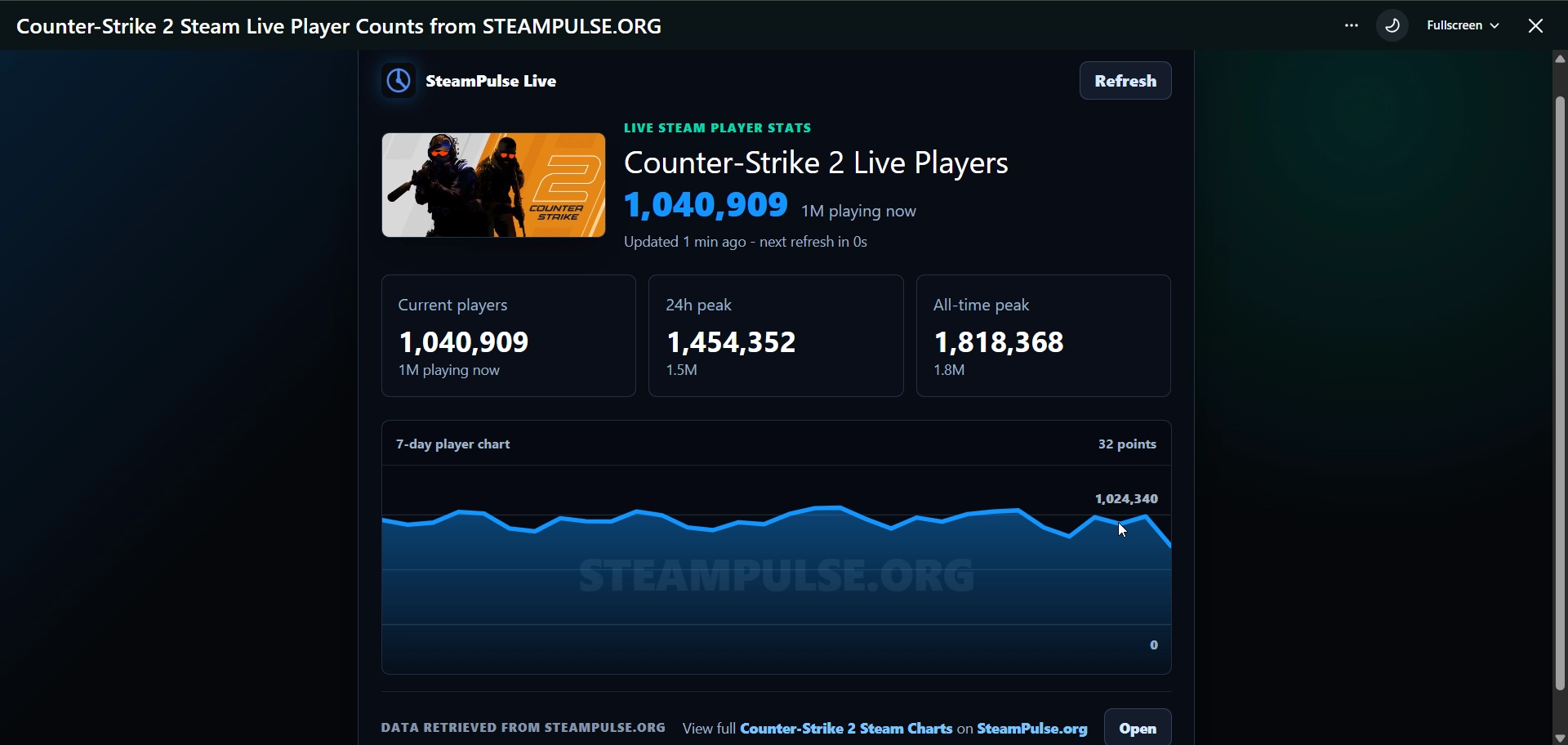
Moderator flow
- Install SteamPulse Live in the community.
- Open Create SteamPulse Live post from the subreddit moderator menu.
- Enter a Steam app ID. Use 753 for Steam Network Activity.
- Click Check app and review the resolved name, header image, current players, 24-hour peak, and SteamPulse tracked peak.
- Publish only after the preview is correct.
- Optionally add the post to subreddit highlights or events when live status is useful for readers.
Data and privacy
SteamPulse Live uses the selected Steam app ID to load public SteamPulse activity data. It does not need Reddit usernames, comments, post bodies, member lists, private subreddit data, moderator data, Reddit account identifiers, OAuth tokens, cookies, or user profile data.